 DogNAS
Your files at home.
DogNAS turns an Android you already own into private storage for your home: your files stay with you, on your Wi-Fi, with no cloud and no monthly fee.
How it works
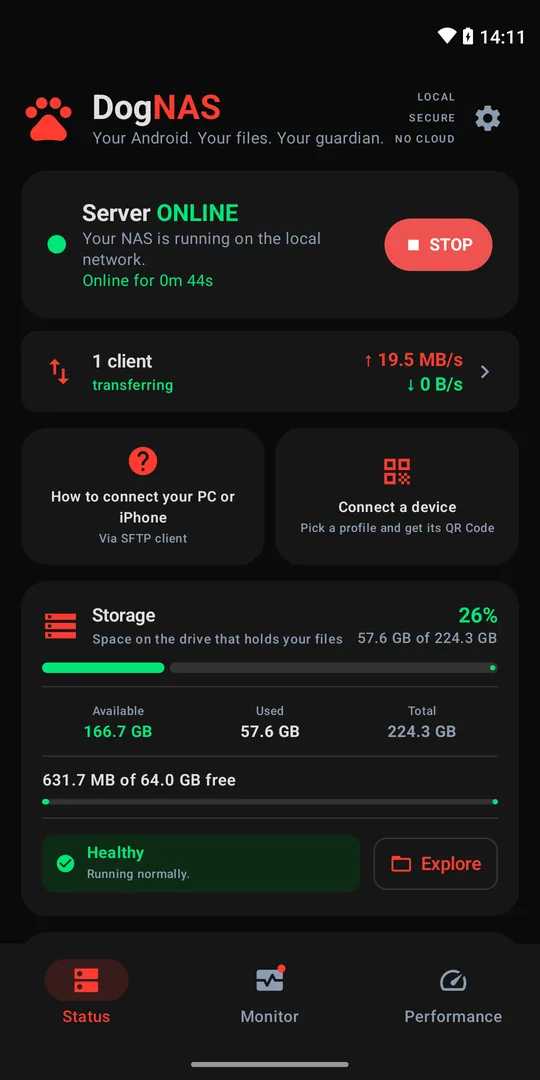
Start the server
Install DogNAS on the Android that will keep your files — on the device, an SD card or a USB drive — and tap Start.
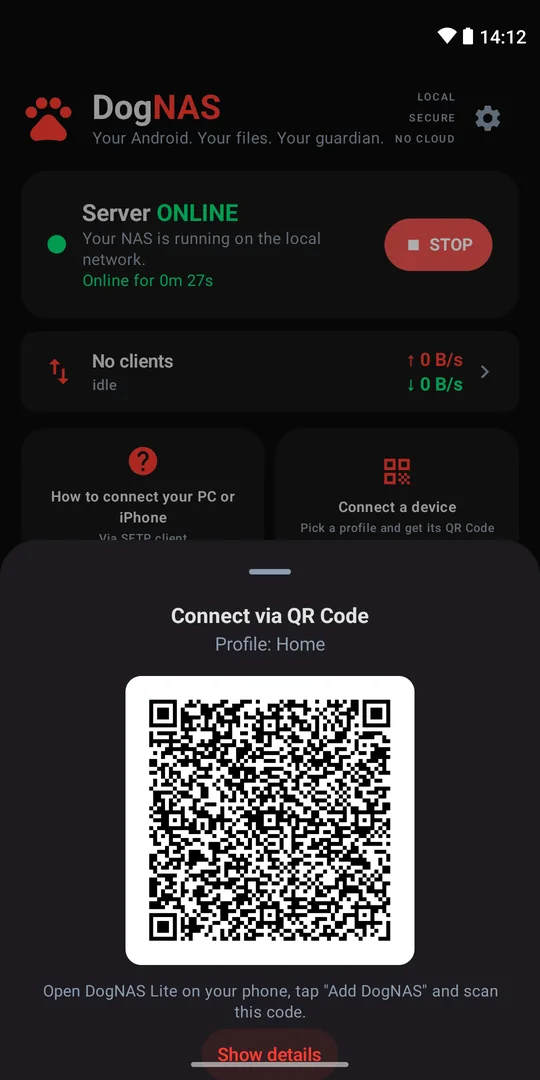
Connect your phone
Generate a profile's QR Code and scan it with DogNAS Lite. Each profile has its own PIN and space.
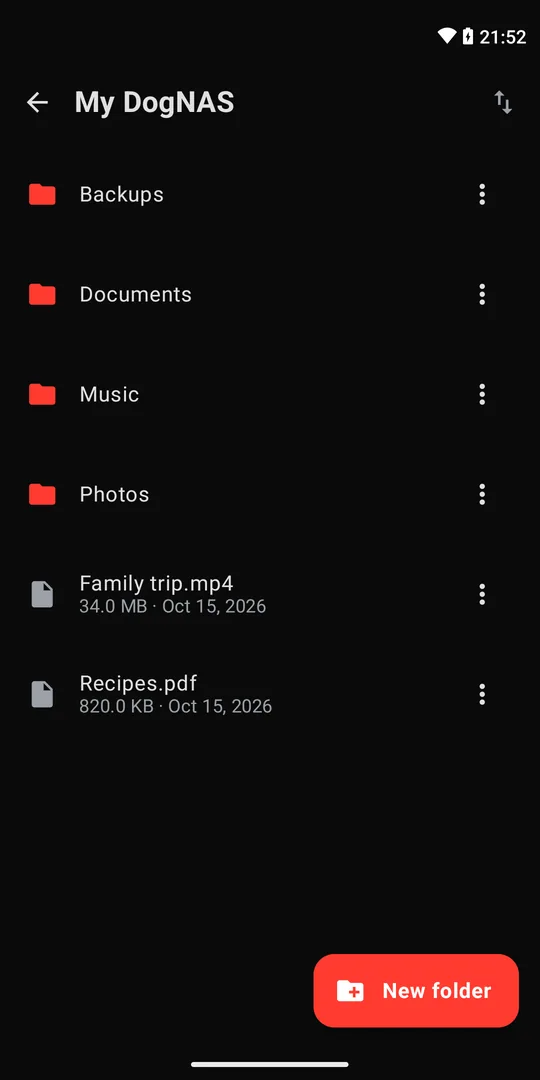
Use your files
Browse, upload and download over your home Wi-Fi. PCs and Macs connect via SFTP.
No cloud
Files travel only between your own devices, on your network, encrypted.
Profiles for the family
Each profile has its own space and its own PIN.
No account, no ads
No sign-up, no ads, no data collection.
Reuse an Android
That phone sitting in a drawer becomes your home storage.
Follow everything
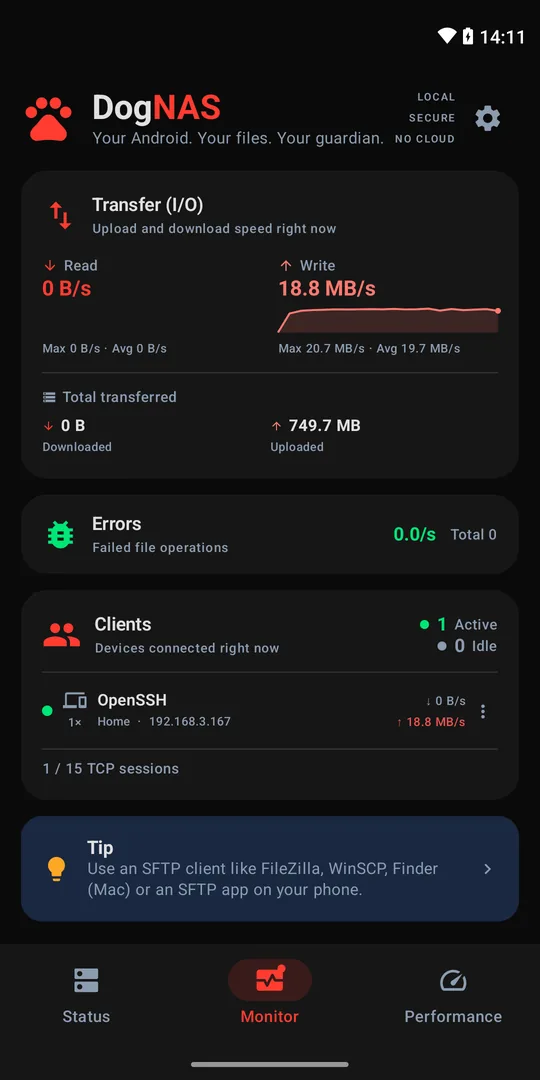
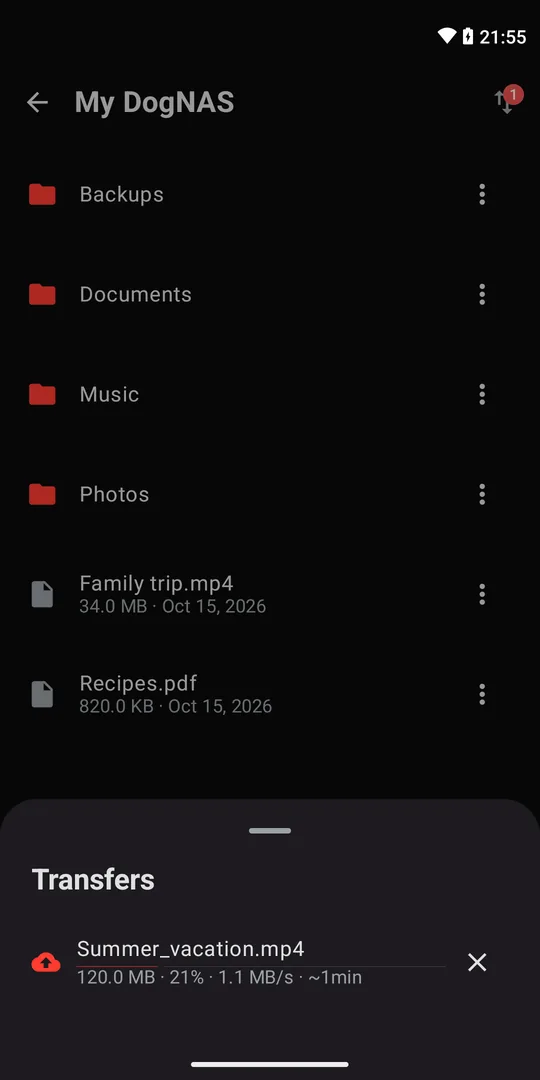
Free to start
| Free | Pro | |
|---|---|---|
| Storage | 64 GB | All of it |
| Profiles | Home + 2 | Unlimited |
| Paired devices | 3 | Unlimited |
| Performance | Good | Maximum, optimized |
| With the app closed | Pause | Keep going |
| After a reboot | Tap to start | Starts by itself |
DogNAS Pro: one-time purchase, no subscription. DogNAS Lite is always free.
Two apps
DogNAS
The server: install it on the Android that will keep your files.
DogNAS Lite
The access app: install it on your phone to browse, upload and download.