
A home NAS without buying a NAS: use the Android you already own
A NAS (network-attached storage) is a small server that keeps your files and serves them to any device in the house over Wi-Fi. It is the right idea for anyone tired of USB sticks, full phones and cloud subscriptions. The catch is that a store-bought NAS with a disk costs money and takes some setup.
If what you need is to keep and reach your family's photos, videos and documents, there is a simpler path: use an Android phone or tablet that is already sitting unused.
What a NAS does at home
In practice, most people use a NAS for four things:
- keeping photos and videos in one place, inside the house;
- opening the same files on the phone, the tablet and the computer;
- moving files between devices without cables and without emailing yourself;
- freeing space on the phone without relying on a paid cloud.
For those jobs, a simple file server is enough. You don't need RAID, containers or dedicated hardware.
Three ways to get a home NAS
- Buy a ready-made NAS. The most complete option: several disks, more features and manufacturer support. It is also the most expensive and needs the most setup.
- Build one from an old computer or a board such as a Raspberry Pi. More control, but you have to install and maintain a system.
- Use an old Android with DogNAS. Install an app, choose where to keep the files, tap Start and connect other devices with a QR Code and a PIN. No router settings.
How it works with DogNAS
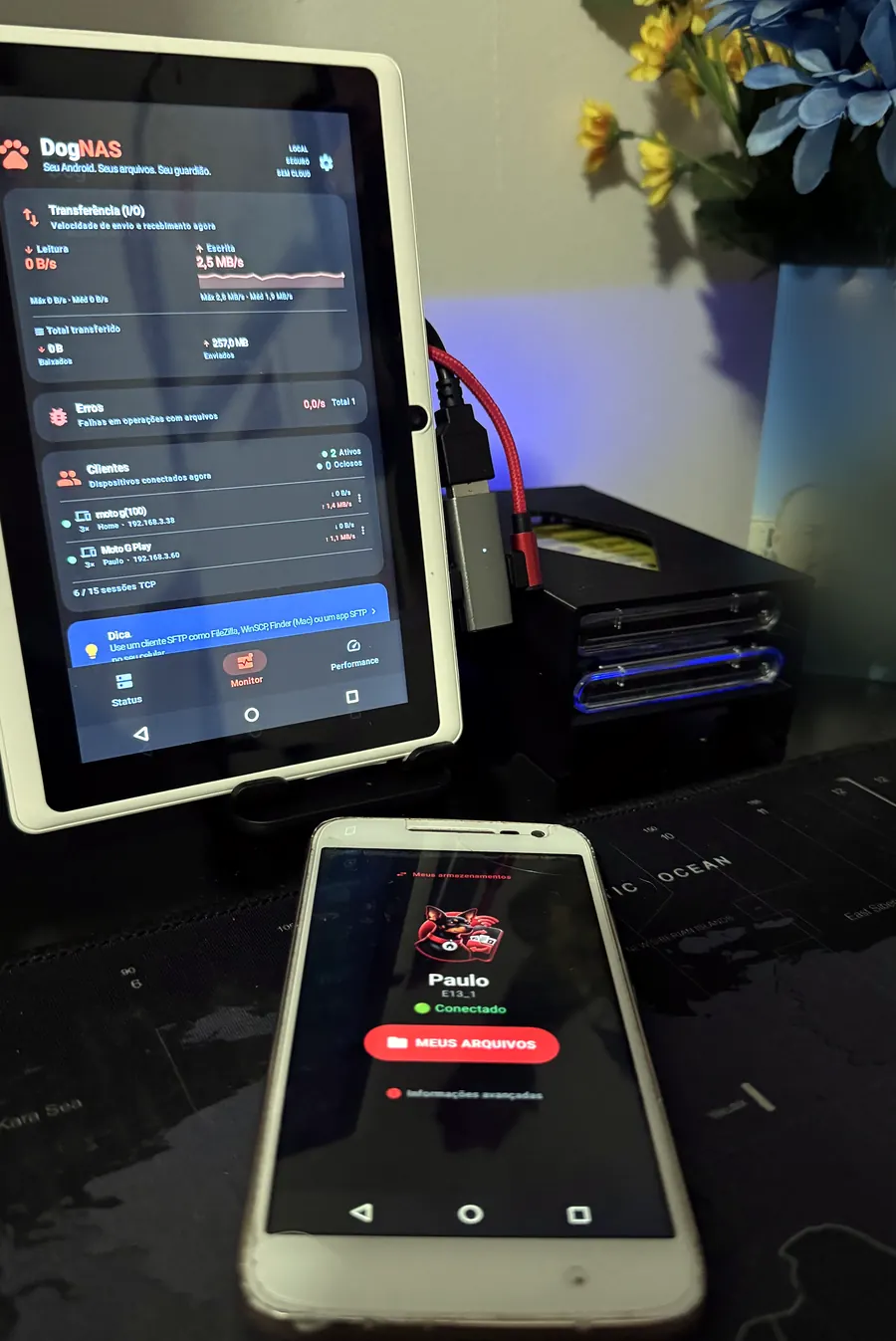
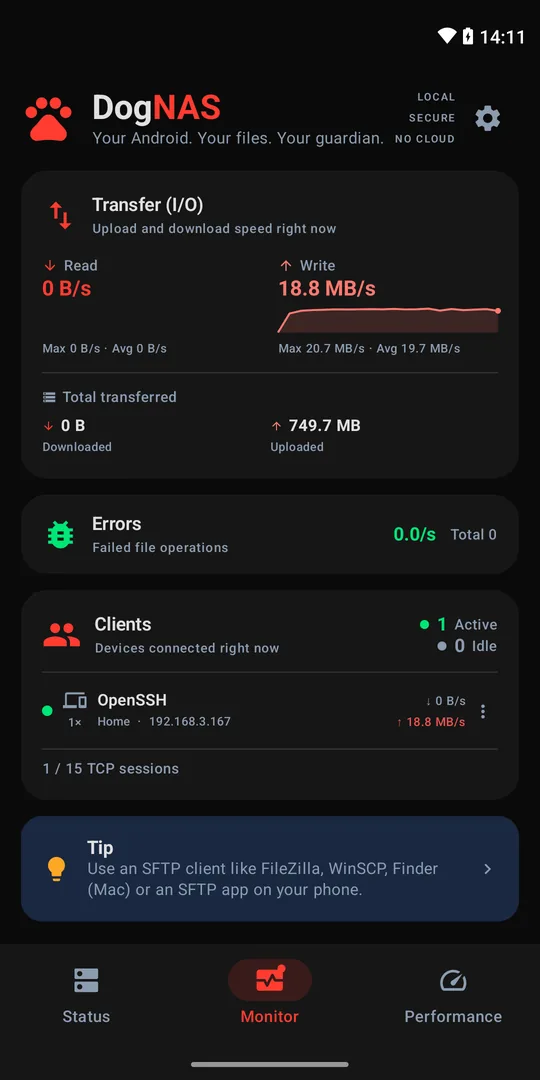
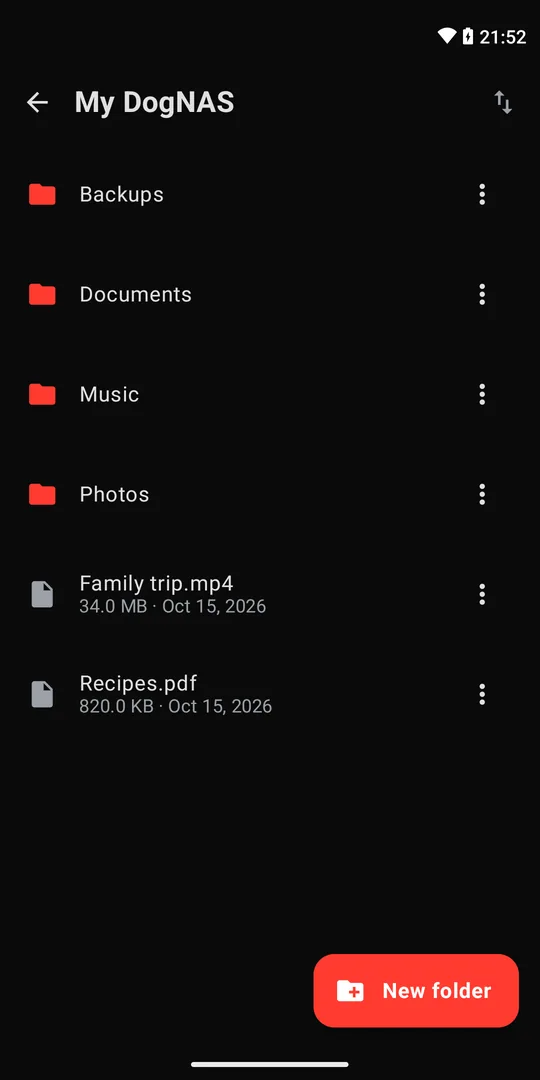
DogNAS turns a phone or tablet running Android 7.0 or newer into a file server on your Wi-Fi network. Each person in the house gets a profile with its own PIN and folders. Files live in the device's storage, on an SD card or on a USB drive or hard disk, and travel encrypted (SSH/SFTP) across your network, without going through a cloud.
On a computer, use regular programs such as FileZilla, WinSCP and Cyberduck. On a phone, use DogNAS Client Lite to browse, upload and download files.
What an Android doesn't do (and when to buy a NAS)
A phone does not replace a full NAS, and it is worth being honest about that:
- No RAID. Each disk is a separate storage. DogNAS does not combine several disks into one volume, and a disk can fail. Keep an independent copy of what matters.
- No containers or advanced services. It is a file server, not a mini data center.
- It depends on the device. Some makers limit background apps to save battery, and USB drives need USB OTG. Check the requirements before you start.
- Space limits on the Free plan: up to 64 GB managed. DogNAS Pro, a one-time purchase with no subscription, unlocks the device's whole storage.
If your home has many people streaming video at once, needs disk redundancy, or will keep irreplaceable data in a single place, a dedicated NAS is the right choice.
Who an old Android is enough for
For most homes that just want photos, videos and documents in a safe place, the Android already in the drawer does the job, with no extra hardware cost.
Grab the device, install the server and connect your phone. In a few minutes, you have a home NAS.