
Old tablet sitting idle? Turn it into home storage
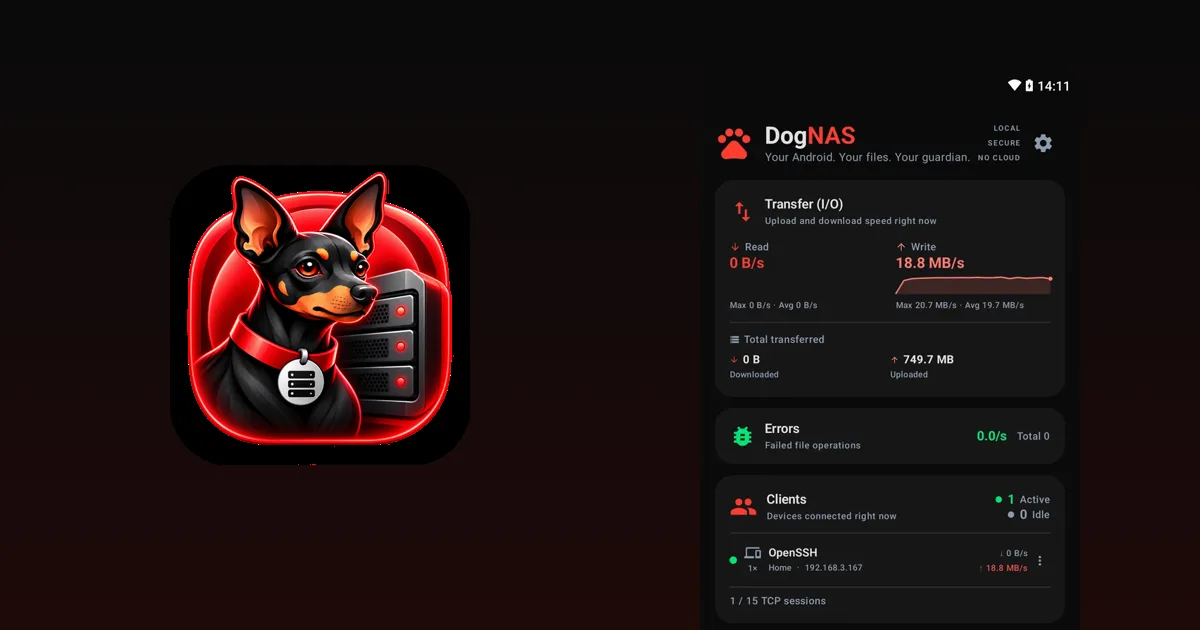
Everyone has a tablet in a drawer: the kids' one, the one that got slow, the one replaced by a newer model. It usually has more storage than an old phone, a big screen and a larger battery. All of that makes it a good candidate for your home file server.
Why a tablet works well
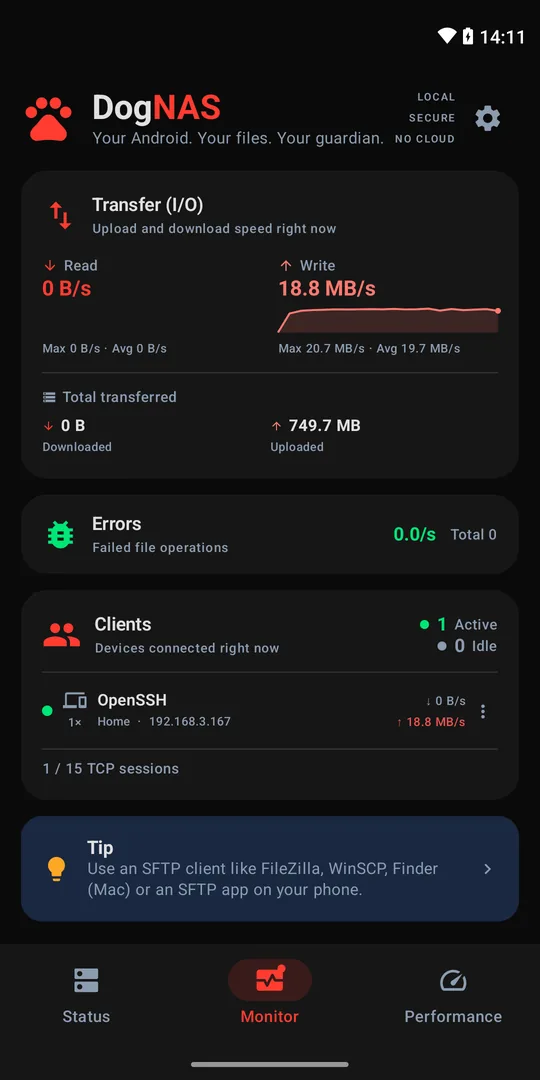
- Big screen. Left on a shelf or a stand, it shows the server's dashboard (connected clients and transfer speed) at a glance.
- Larger battery. The built-in battery helps in short power cuts, and a tablet plugged in stays put with nobody touching it.
- Space. Many tablets have an SD card slot or accept a USB drive, with USB OTG, to add room.
- Already idle. You give a job to a device with nothing else to do.
How to turn the tablet into a server
DogNAS runs on phones and tablets with Android 7.0 or newer.
- Install DogNAS on the tablet and choose where files are kept: internal storage, an SD card or a USB drive.
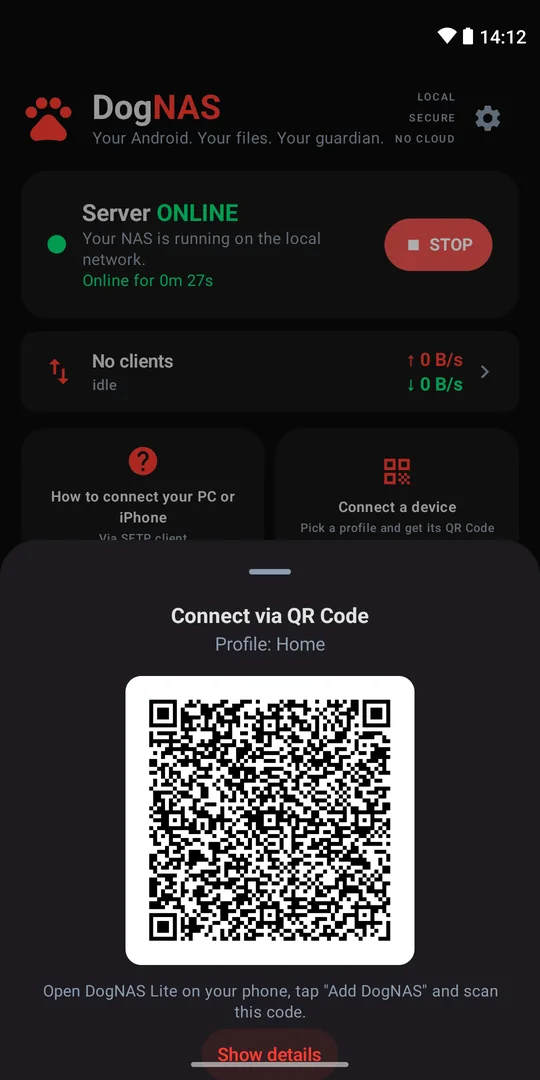
- Tap Start.
- Create a profile for each person in the house, with its own PIN and folders.
- On the phones, open DogNAS Client Lite, point the camera at the profile's QR Code and type the PIN. On the computer, use FileZilla, WinSCP or Cyberduck.
Precautions with an old tablet
- Battery. If the battery is swollen, the device gets too hot or the back lifts, don't leave it plugged in: stop using it and look for repair service. Safety comes before reuse.
- Leave it plugged in, in a ventilated spot. Servers stay on for a long time.
- Maker dependence. Some makers limit background apps to save battery, so check the requirements and test for a few days.
- Your home network only. Access is over local Wi-Fi. You don't need to open ports on the router.
- Independent copy. DogNAS keeps files in the storage you chose and does not back up on its own. For what is irreplaceable, keep a second copy.
How much space
On the Free plan, DogNAS manages up to 64 GB, with the Home profile plus 2 more profiles, and up to 3 paired devices. Pro is a one-time purchase with no subscription and unlocks the device's whole storage.
Is it worth it
For most homes that just want to keep photos, videos and documents, the tablet already sitting idle does the job at no extra cost. If you need more, see traditional NAS or Android server, and for the walkthrough, how to turn an old Android into a file server.