Traditional NAS or Android server: which to choose for your home
"Do I need a NAS, or will an old Android do?" It is the question of anyone who wants to keep photos, videos and documents at home without relying on the cloud. The honest answer is: it depends on what you will store and how much it is worth to you. This comparison shows where each option shines and where it falls short.
What each one is
- Traditional NAS: a dedicated device with one or more drive bays, its own system and, usually, many features beyond keeping files.
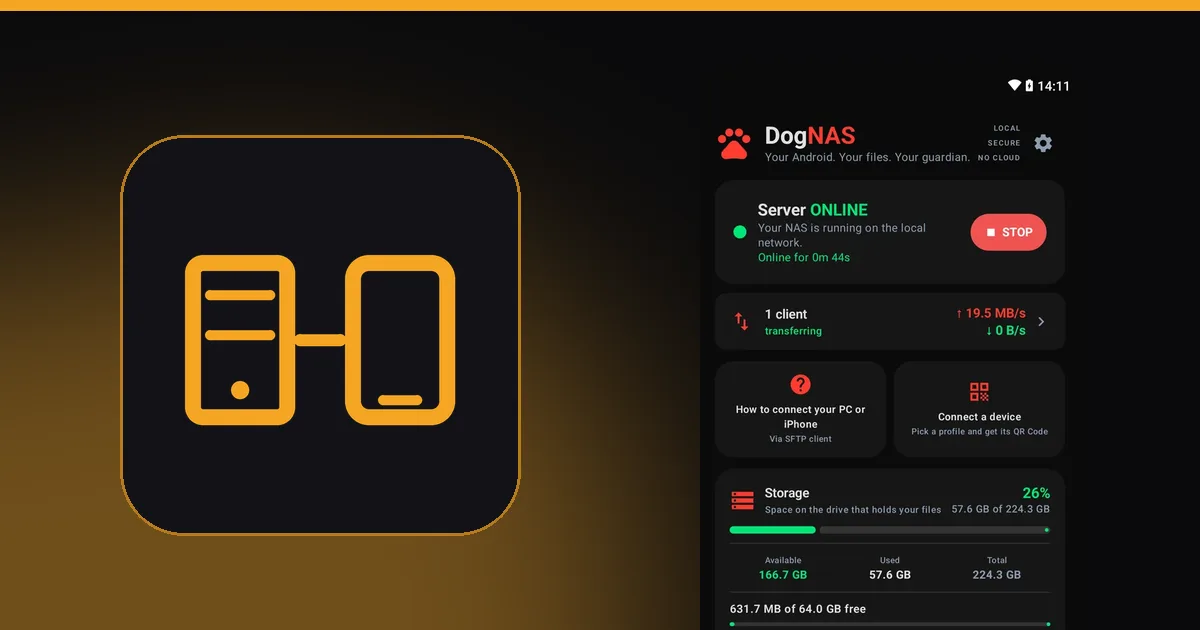
- Android server with DogNAS: an Android phone or tablet (7.0 or newer) that stays on at home and serves files over Wi-Fi, with the data in its storage, on an SD card or on a USB drive or hard disk.
Comparison
| Aspect | Traditional NAS | Android with DogNAS |
|---|---|---|
| Upfront cost | Device and disks to buy | The old Android you already own; DogNAS is free to start and Pro is a one-time purchase, with no subscription |
| Setup | Usually more configuration | Install the app, tap Start and pair with a QR Code and a PIN; no router settings |
| Disk failure | Several disks can use RAID, which keeps data available if one fails | No RAID and no single volume across disks: each disk is independent and can fail |
| Extra features | Can run containers, media servers and other services | A file server, not a mini data center |
| Many users at once | Built to serve several devices, such as multiple high-resolution videos | Handles simple home use, with limits |
| Power and space | Varies by model | Uses little power, takes little room and has its own battery, which helps in short power cuts; makers limit background apps differently, so check the requirements |
| Storage space | Grows with bigger disks | Free plan: up to 64 GB. Pro: the device's whole storage, including an SD card or USB drive (needs USB OTG) |
When to choose each
An Android with DogNAS is enough when you want to keep family photos, videos and documents, free up space on your phone, move files between devices and don't want to spend on hardware.
Buy a NAS when several people stream video at the same time, you need disk redundancy, you want to run advanced services or you will keep many terabytes.
You can use both
Many people start with the Android they already have and, if the need grows, move to a NAS. DogNAS speaks SFTP, a protocol many devices and programs understand, so you are not locked in.
To see how to set yours up, read a home NAS without buying a NAS or the walkthrough in how to turn an old Android into a file server.