
How to reuse an old laptop's hard drive as home storage
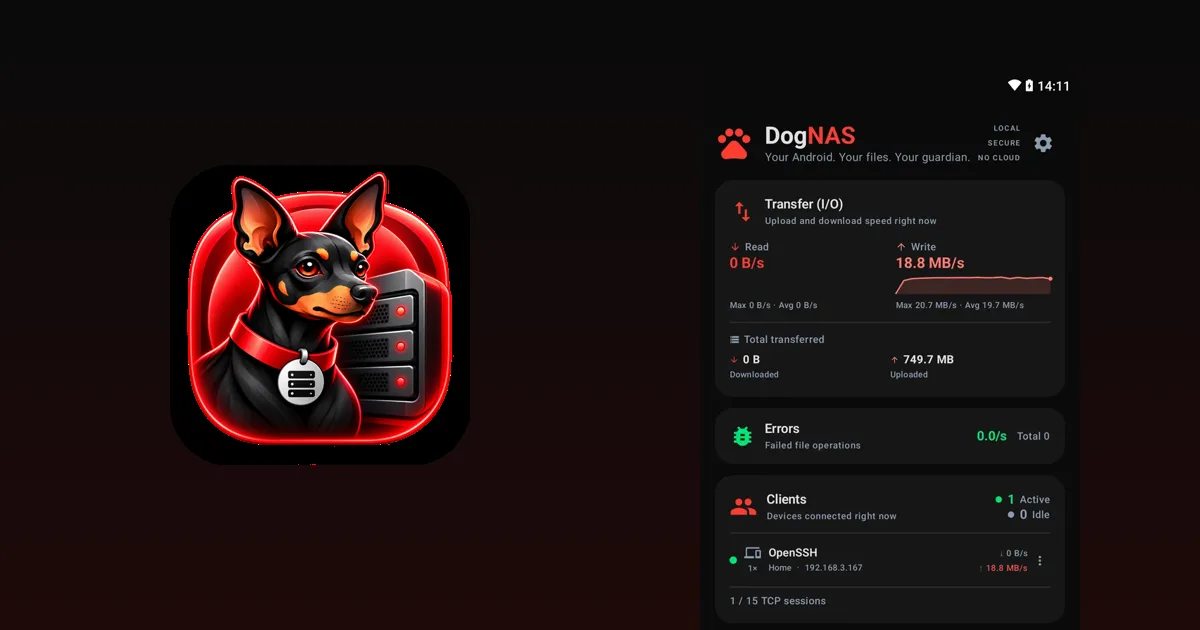
When you swap a laptop's hard drive for an SSD, the old disk usually goes into a drawer. It still works and may hold hundreds of gigabytes. With a USB enclosure and an Android that can act as a server, that disk gets a new job: extra space for your home's photos, videos and documents.
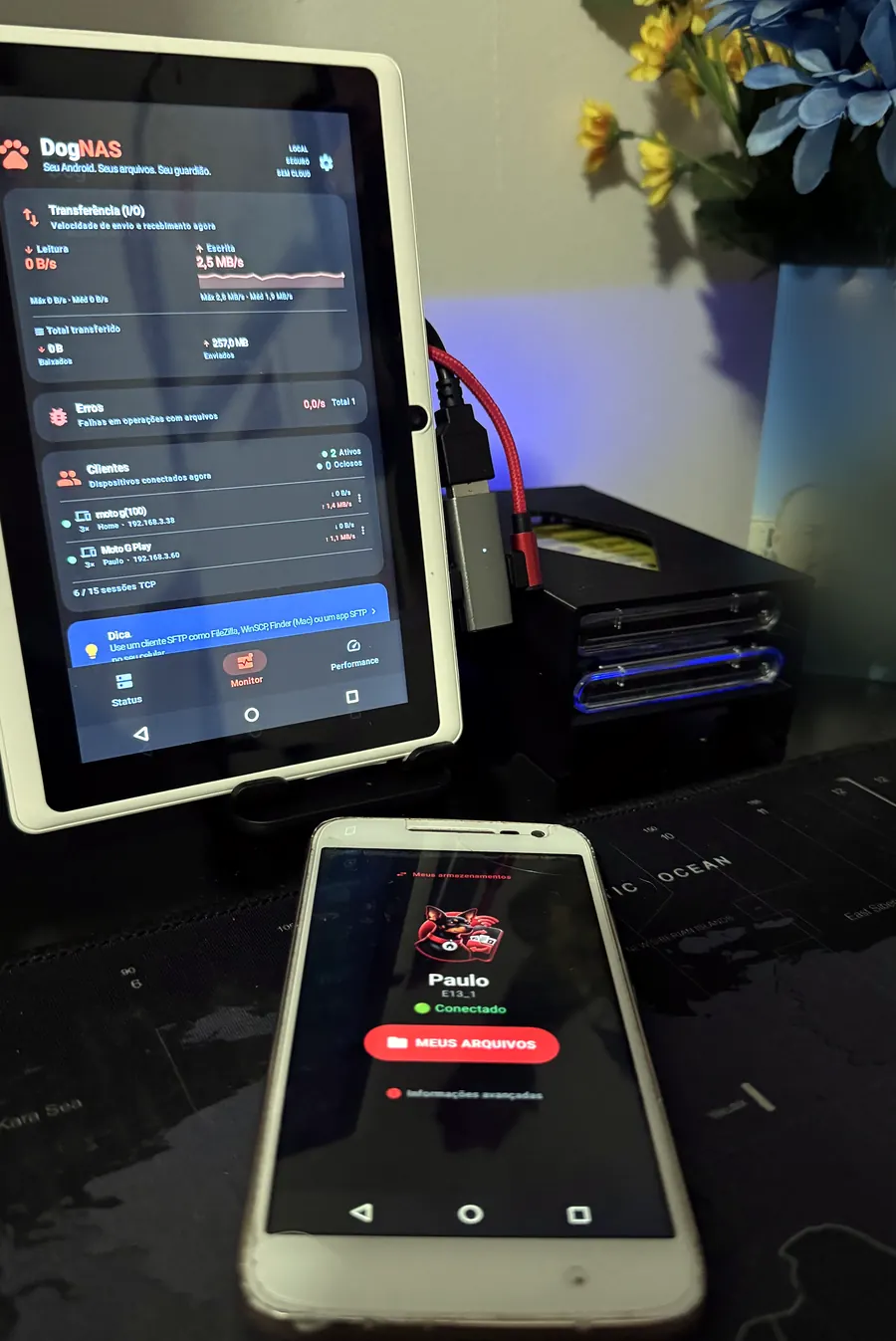
What you need
- A laptop hard drive or SSD that still works. Before using it, copy anything still on it somewhere else.
- A USB enclosure or dock that fits the disk's format.
- An Android phone or tablet with USB OTG, which is what lets you plug USB disks into the device, and the right cable or adapter.
- DogNAS installed on that Android, which will be the server.
Step by step
- Put the disk in the USB enclosure and confirm it shows up normally.
- Connect the enclosure to the Android with the OTG cable.
- In DogNAS, choose the USB disk as the place where files will be kept and tap Start.
- Create the profiles and connect other devices with a QR Code and a PIN.
From then on, the disk is your server's storage, reached over your home Wi-Fi.
Important precautions
- Power. Mechanical hard drives may ask for more power than a phone provides. If the disk won't spin up or disconnects, use a USB hub with its own power supply. SSDs usually draw less.
- Compatibility. The result depends on the device, the enclosure and the disk. Test before you rely on it.
- One disk, no redundancy. DogNAS does not combine several disks into one volume and does not back up on its own. A disk can fail, and an old disk even more so. Keep an independent copy of what matters.
- Space. On the Free plan, DogNAS manages up to 64 GB, even if the disk is bigger. Pro, a one-time purchase with no subscription, uses the whole disk.
Is it worth it?
If you already have the disk and the enclosure, the cost is almost zero, and the result is a server with plenty of room for the family. If you would buy everything from scratch, compare with a NAS or an external SSD, and see traditional NAS or Android server to decide.
To set up the server, start with how to turn an old Android into a file server.