
What is SFTP, and how to access a file server on Android
If you have seen "SFTP" somewhere and scrolled past, this guide is for you. The acronym looks scary, but the idea is simple: a secure way to send and fetch files on another computer over the network. It is what DogNAS uses to hand the files on your server to the other devices at home.
What SFTP is
SFTP stands for SSH File Transfer Protocol: file transfer over SSH. SSH is the protocol that creates an encrypted connection between two devices. SFTP uses that connection to list folders, upload, download, rename and delete files.
In practice, this means that what travels over the network cannot be read by other devices on the same Wi-Fi.
SFTP, FTP and SMB: what is the difference?
- FTP is old and, by default, sends everything unencrypted, including the password. It is not the best choice on any network.
- SFTP looks like FTP to the user, but it runs over SSH and is encrypted. It has no technical relation to FTP, despite the similar name.
- SMB is Windows folder sharing. It is handy on a local network, but is often more annoying to set up outside Windows.
What it is for at home
- keeping and reaching photos, videos and documents on a home server;
- sending files from the PC to the phone and back;
- receiving files from cameras, NVRs and automations that send over SFTP;
- copying files from other computers with scripts and tools such as rclone.
How to access an Android server with DogNAS
DogNAS turns an Android phone or tablet (7.0 or newer) into an SFTP server on your Wi-Fi network. Each device gets its own credential, which you can revoke at any time, and the server's key is pinned at pairing, so you know you are talking to the right server.
- Install and start the server on the Android that will keep the files.
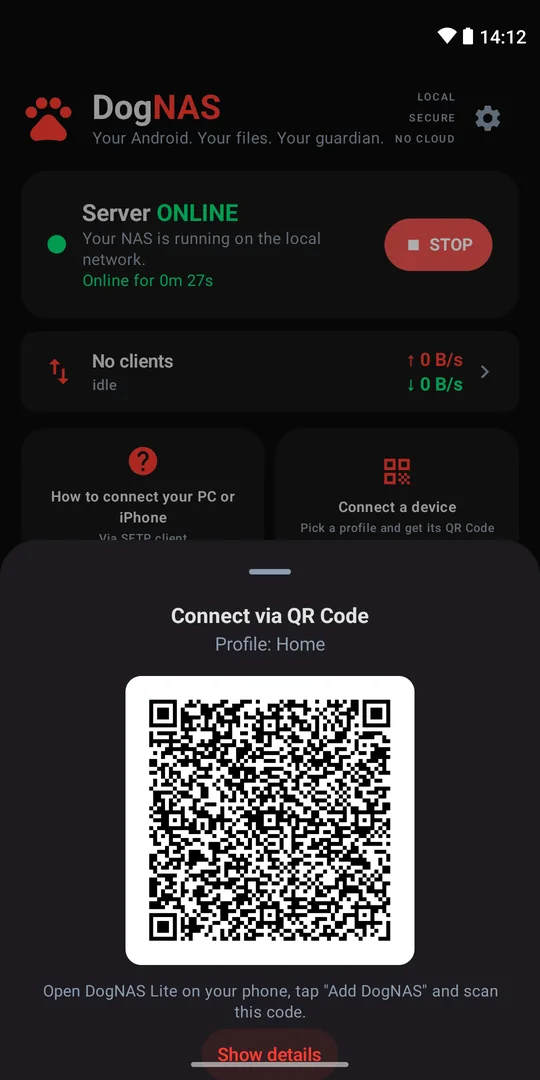
- On the phone, use DogNAS Client Lite: point the camera at the profile's QR Code and type the PIN.
- On the computer, open an SFTP client such as FileZilla, WinSCP or Cyberduck and use the connection details the server shows on its "how to connect your PC or iPhone" screen.
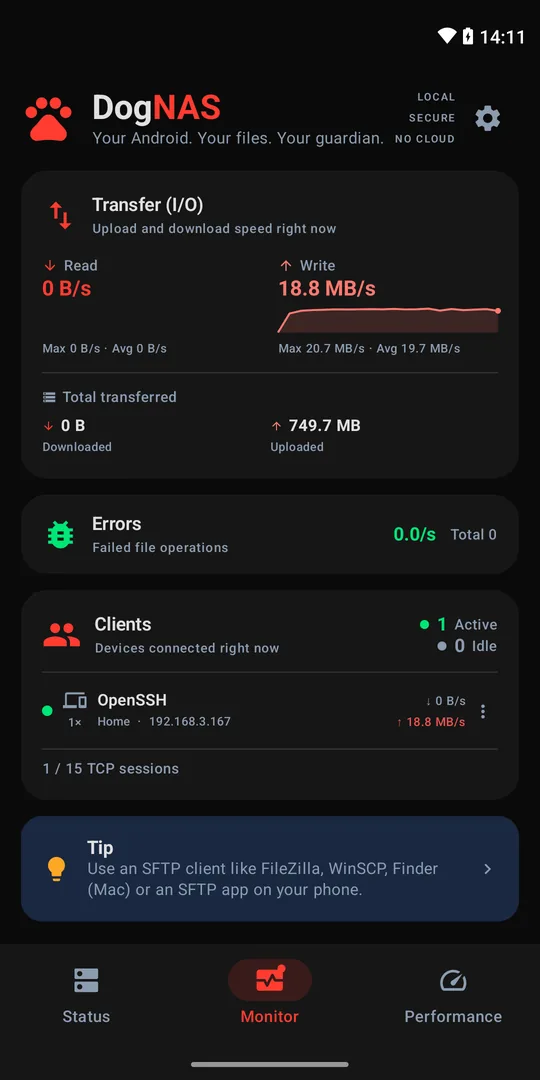
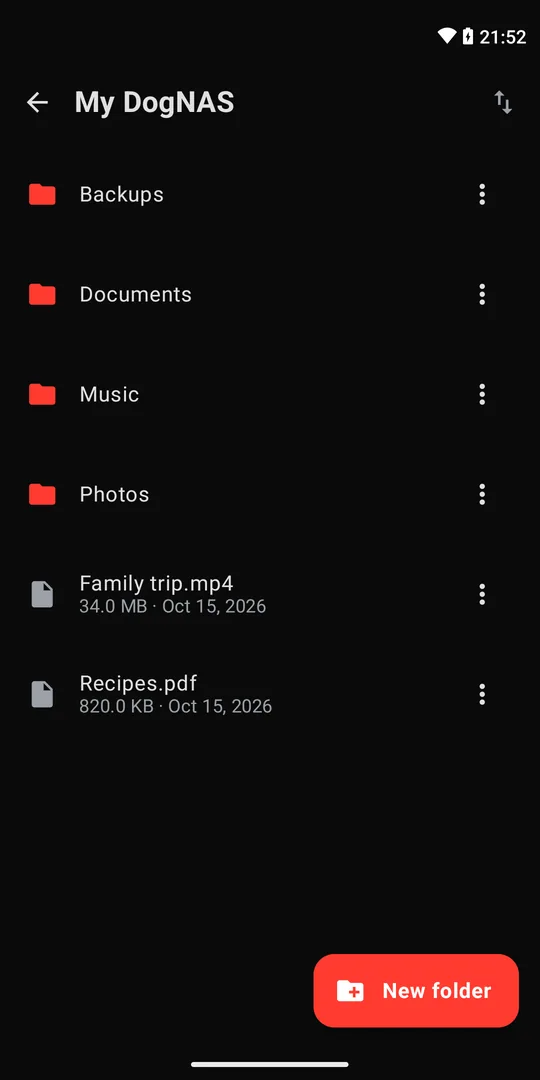
- Browse, drag and drop files. For automations, tools such as rclone and OpenSSH's
sftpalso work.
What SFTP doesn't do
- It is not a backup. It only carries files. Keep an independent copy of what matters.
- It only works if the network allows it. The server and your device must be on the same network, and the server must be on.
- Encrypting the path doesn't protect the server. Use a PIN and strong passwords, and revoke credentials of devices you no longer use.
In short
SFTP is a secure, universal way to reach files over the network, and almost every transfer program understands it. With DogNAS you get an SFTP server on Android without touching the router. For the complete walkthrough, read how to turn an old Android into a file server.